Kitten Keyboard Escape Mobile Tips
Play Kitten Keyboard Escape comfortably on phone or tablet.
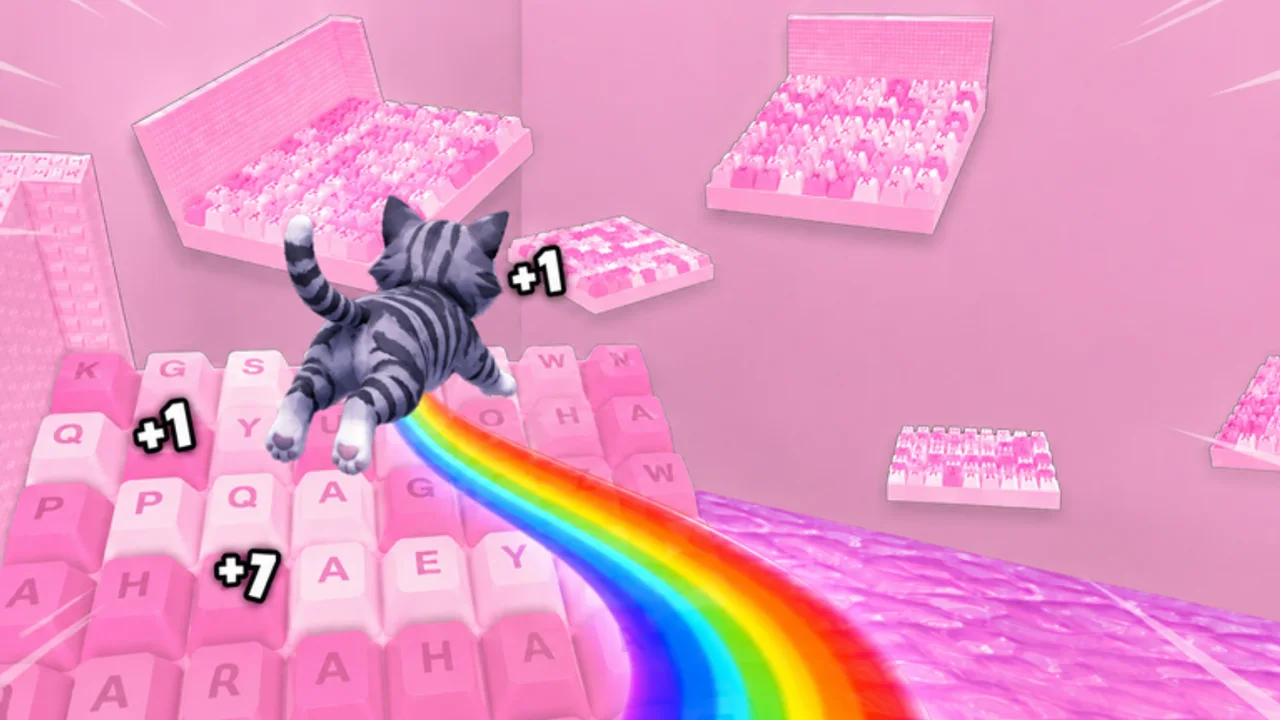
+1 Kitten Keyboard Escape runs on Roblox mobile with the same keyboard stages and jump growth as PC, but touch controls, smaller screens, and device performance change how forgiving each jump feels. These mobile tips help you clear candy keycaps reliably, race friends online, and avoid mistaking control issues for low Jump Power.
Default mobile controls recap
- Move with the left thumbstick
- Jump with the on-screen jump button (usually right side)
- Rotate camera by dragging on empty screen areas
- Access menus through Roblox mobile UI
Full defaults live on Controls; this page focuses on mobile-specific tuning.
Roblox settings to adjust first
Jump button size: enlarge in Roblox settings to reduce mis-taps near movement sticks.
Graphics quality: lower one step if frame drops alter jump timing on busy keyboard worlds.
Shift lock experiments: some players enable shift-lock for straight keys; test on early rows from Getting Started before hard diagonals.
Camera habits on small screens
Pastel keys blend together on phones. Before each diagonal:
- Stop moving
- Drag camera until both keys are fully visible
- Jump without simultaneous camera swipes
Hard sections in Beat Hard Stages punish mid-air camera changes.
Touch latency and jump power
Mobile jumps can feel shorter even with adequate upgrades. Before buying duplicate shop tiers from Upgrades Tier List, run ten stop-jumps on a known gap. If timing fixes clears, save currency.
Shorter sessions work better
Phones heat up during long 3X farms. Use Session Planner mobile short session blocks—twenty focused minutes beat hour-long tilt loops with send-backs.
Mobile co-op racing
Tell PC friends you are on touch so they wait on narrow keys—Racing Tips. Match Early Game Build upgrades before race night so jump gaps stay fair.
Claiming rewards on mobile
Group gifts and codes work on mobile clients. Follow Group Rewards and Redeem Codes in the app before grinding.
Performance troubleshooting
| Issue | Try |
|---|---|
| Stutter on jumps | Lower graphics; close background apps |
| Drift on thumbstick | Clean screen; adjust stick deadzone in Roblox if available |
| Overheating | Shorter sessions; reduce frame cap |
| Chat blocking jump button | Reposition UI in Roblox settings |
Avoid mobile exploit apps
Third-party mobile executors promise auto-jump; they carry malware and ban risk—Script Safety. Legitimate improvement is settings plus practice on Stage Walkthrough routes.
Switching between PC and mobile
Log control comfort on Progress Checklist when switching devices. Same account, different muscle memory—warm up on easy keys after device swaps.
Related pages
- Controls for shared input basics
- Players Hub for hub navigation
- Weekend Multiplier when farming on phone during 3X
One-hand versus two-hand play
One-hand casual: viable for early letter rows only; diagonals suffer.
Two-hand focused: thumbstick plus camera thumb; reserve jump thumb exclusively for takeoffs.
Table prop: tablets on stands free both hands and reduce wrist fatigue during Session Planner short blocks.
Audio and focus
The experience leans into ASMR-style satisfaction. Headphones help timing cues on landing, but keep volume low enough to hear co-op callouts from Racing Tips. Silent mode works if you rely on visual edge cues instead.
Battery and notifications
Disable non-Roblox notifications during jump chains—a banner sliding down mid-air causes preventable falls on modifier keys.
Mobile weekend 3X plan
Phones overheat during long farms, so treat 3X weekends as stacked short blocks:
- Claim Group Rewards and codes on Wi-Fi
- Run one Session Planner mobile short session
- Cool the device five minutes
- Repeat only if frame rate stays stable
Reliable clears during Weekend Multiplier beat one long sticky session that ends in send-back loops.
Hard-key mobile habits
On modifier zigzags from Beat Hard Stages:
- Enlarge jump button before the attempt, not mid-chain
- Pre-aim camera while standing still
- Prefer stop-jumps over running jumps when FPS dips
- Log which keys fail on Progress Checklist so PC practice later targets the same gaps
Frequently Asked Questions
Quick answers about Kitten Keyboard Escape on Roblox.
Is Kitten Keyboard Escape playable on tablet?
Yes. Larger screens ease camera work; still tune jump button size for reach.
Why do I fall more on mobile?
Touch timing and FPS dips mimic skill issues. Tune settings before buying extra upgrades.
Can I redeem codes on mobile?
Yes. Use the in-game codes UI after joining the official place on the Roblox app.