Kitten Keyboard Escape Multiplayer & Mobile
Race friends online and play comfortably on phone or tablet.
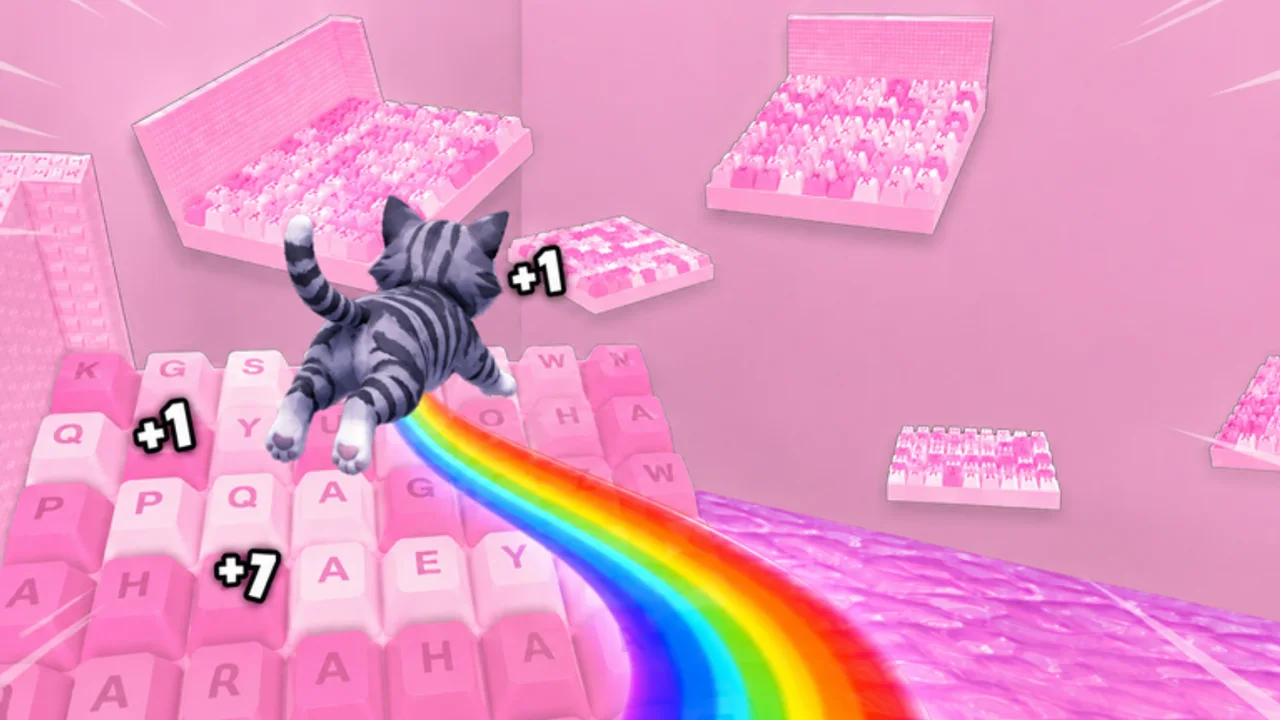
+1 Kitten Keyboard Escape supports online co-op where you race friends through candy-themed keyboard stages while jump power keeps climbing. Solo guides explain mechanics; this players hub focuses on social pacing, fair racing habits, and mobile control tweaks that keep kitten jumps consistent when you are not on a PC keyboard.
Pages in this hub
- Racing Tips — lobby etiquette, when to push ahead versus wait, jump power gaps between friends, and how fall penalties affect group runs.
- Mobile Tips — touch layouts, camera settings, performance tricks, and short-session plans for phone players.
Read both if your friend group mixes PC and mobile. Uneven jump upgrades and control schemes cause most co-op friction, not the stages themselves.
Co-op is part of the core loop
The official experience description highlights racing friends while keyboards flip and ASMR-style visuals play in the background. That means multiplayer is not a side mode—it is how many players discover the game. Treat races as practice for solo progression: learn risky shortcuts on Stage Walkthrough before forcing them in a group run.
When someone falls back several stages, keyboard obby design intentionally punishes mistakes. Racing tips cover how to regroup without griefing and when to switch to solo farming on Session Planner nights.
Mobile versus PC in one group
Mobile players face smaller screens and touch jump timing. PC players get precise key taps but may outpace shop upgrades if they skip Group Rewards. Balance sessions by:
- Claiming shared free rewards from Codes Hub before racing.
- Matching upgrade goals using Early Game Build.
- Scheduling 3X weekends together via Weekend Events.
Solo players still belong here
Even if you rarely race, mobile tips improve daily clears. Racing tips explain how other players move on hard keyboard sections, which informs your solo routes on Beat Hard Stages.
Stay safe in public lobbies
Roblox online features include strangers. Do not share passwords, avoid off-platform links from chat, and report harassment through Roblox tools. Script users may appear in public servers; Script Safety explains why you should not follow their shortcuts.
Device mix cheat sheet
| Situation | PC player | Mobile player |
|---|---|---|
| Narrow modifier keys | Lead with callouts | Wait for gap to clear |
| Long spacebar gap | Anchor jump timing | Pre-rotate camera wider |
| Lag spike | Pause race briefly | Lower graphics preset |
| Upgrade shopping | Share tier list links | Confirm affordable jump tier before race |
Share this table with friends before race night so expectations match hardware limits.
When solo guides still matter
Players hub content does not replace Guides Hub mechanics. Multiplayer tips assume you already understand send-backs, jump growth, and multiplier basics from solo play.
Frequently Asked Questions
Quick answers about Kitten Keyboard Escape on Roblox.
Can I race friends in +1 Kitten Keyboard Escape?
Yes. The game supports online co-op racing on Roblox. Join the same server or use Roblox party features to stay together.
Is mobile viable for competitive races?
Yes with practice. Mobile Tips covers control settings; expect PC players to lead on precision jumps until upgrades equalize.
Do fall penalties affect everyone in a race?
Each player has their own stage progress. Falling sends your kitten back, which is why regroup etiquette matters in Racing Tips.